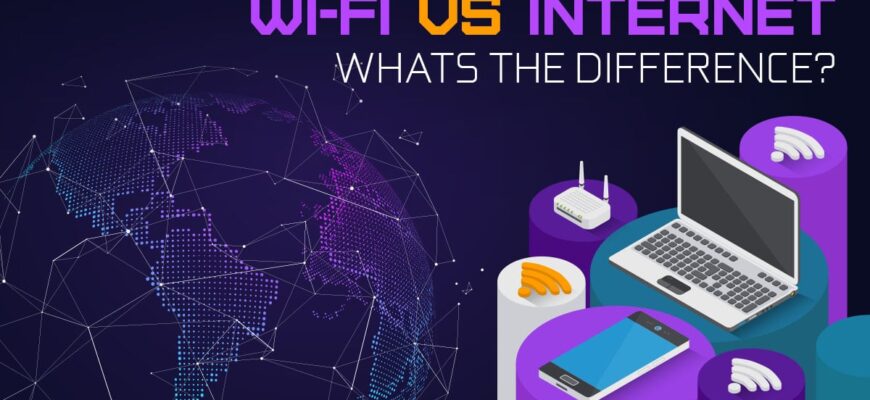
Wi-Fi is the wireless connection between your device and your router, while the internet is the global network the router connects to through your provider.
Wi-Fi
A wireless network that links devices to your router in your home. It uses radio waves at 2.4, 5 and 6 GHz.
Internet
The global network of networks. Your internet service provider (ISP) connects you to it.
Key point
You can have Wi-Fi without internet. Your devices connect to the router but can’t reach websites.
Speeds
Wi-Fi 6 goes up to 9.6 Gbps in theory. Your internet speed is set by your ISP plan.
What each one is
Wi-Fi is a wireless networking technology based on IEEE 802.11 standards that connects devices to a router within a local area. The internet is the global network of networks that carries data between computers worldwide.

Common confusion
You can be connected to Wi-Fi with no internet if the router has lost its connection to the internet service provider. A device can also use the internet without Wi-Fi, such as through a wired Ethernet cable or cellular data.
How they connect
Your device connects to the router by Wi-Fi. The router connects to a modem, which links to the ISP through cable, fiber, DSL or satellite.
Wi-Fi generations
- Wi-Fi 4 (802.11n): up to 600 Mbps.
- Wi-Fi 5 (802.11ac): up to 3.5 Gbps theoretical.
- Wi-Fi 6 (802.11ax): up to 9.6 Gbps theoretical, with better efficiency.
- Wi-Fi 6E and Wi-Fi 7 add the 6 GHz band, with Wi-Fi 7 (802.11be) up to 46 Gbps in theory.
Frequencies
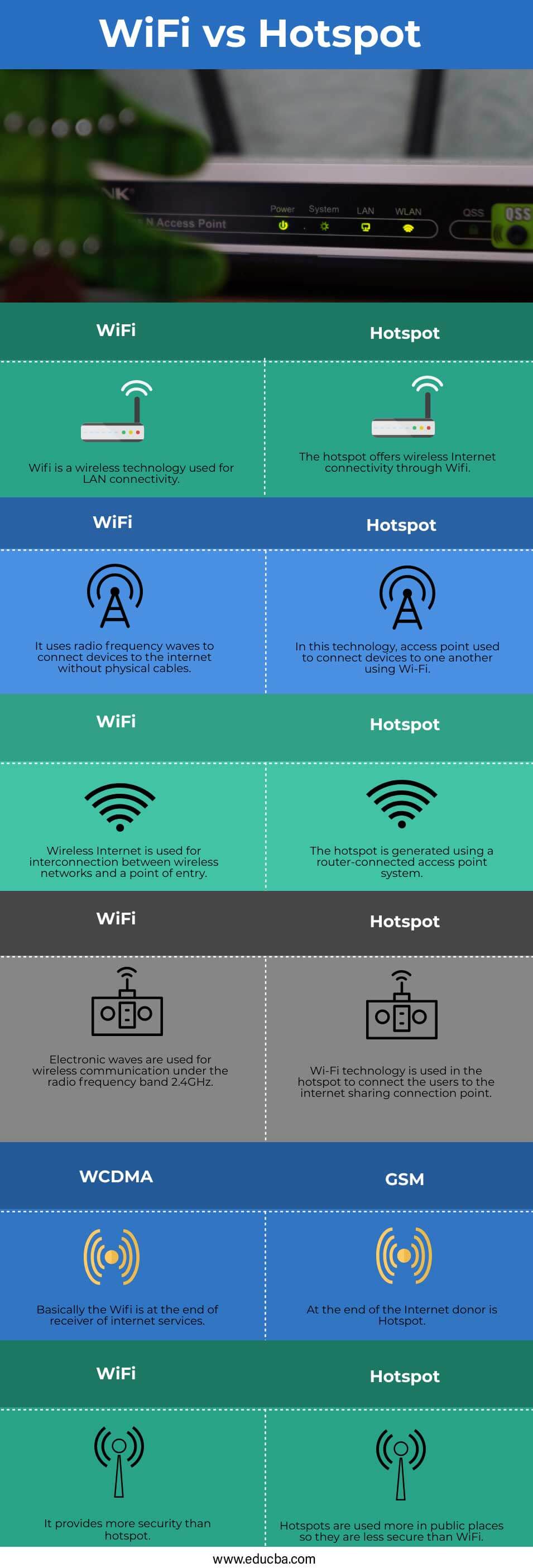
2.4 GHz travels farther but is slower and more congested. 5 GHz is faster with a shorter range. 6 GHz is the fastest with the shortest range.
Internet speed
Your speed is limited by the slowest part: the ISP plan, the router, the Wi-Fi signal and the device. The FCC defines broadband as at least 100 Mbps download and 20 Mbps upload, as of 2024.
Troubleshooting
- Restart the modem and router.
- Move closer to the router.
- Test with a cable.
- Check for outages with your ISP.
Security
Use WPA3 or WPA2 encryption and a strong password.
History
The internet dates to ARPANET in 1969, and Wi-Fi was introduced for consumers in 1997 (first standard) and branded in 1999.
Definitions and standards
The internet is the global network of networks that connects computers worldwide using the Internet Protocol. Wi-Fi is a wireless technology based on the IEEE 802.11 standards that connects devices to a local network, usually a router, using radio waves. You can have Wi-Fi without internet, such as when the router is connected to nothing, and you can have internet without Wi-Fi, such as through an Ethernet cable. The Wi-Fi Alliance, formed in 1999, certifies products. Many people say “the Wi-Fi is down” when the internet service is the problem.

Generations, bands and troubleshooting
Wi-Fi generations include Wi-Fi 4 (802.11n), Wi-Fi 5 (802.11ac), Wi-Fi 6 and 6E (802.11ax), and Wi-Fi 7 (802.11be), with newer ones faster and better in crowded places. Bands include 2.4 GHz, which has longer range, 5 GHz, which is faster, and 6 GHz in Wi-Fi 6E and 7. Internet speed depends on the plan from your provider, not the Wi-Fi alone. To troubleshoot, restart the modem and router, test a wired connection, move closer to the router, and use WPA3 or WPA2 security with a strong password. Call your provider if the wired connection is also down.
Based on data from the Wi-Fi Alliance and the FCC